Announcement
Run CivitAI Models Free on GenVista
Checkpoints and LoRAs in your browser with GenVista’s Beta, from Krea 2 and Illustrious to RedCraft and One Obsession
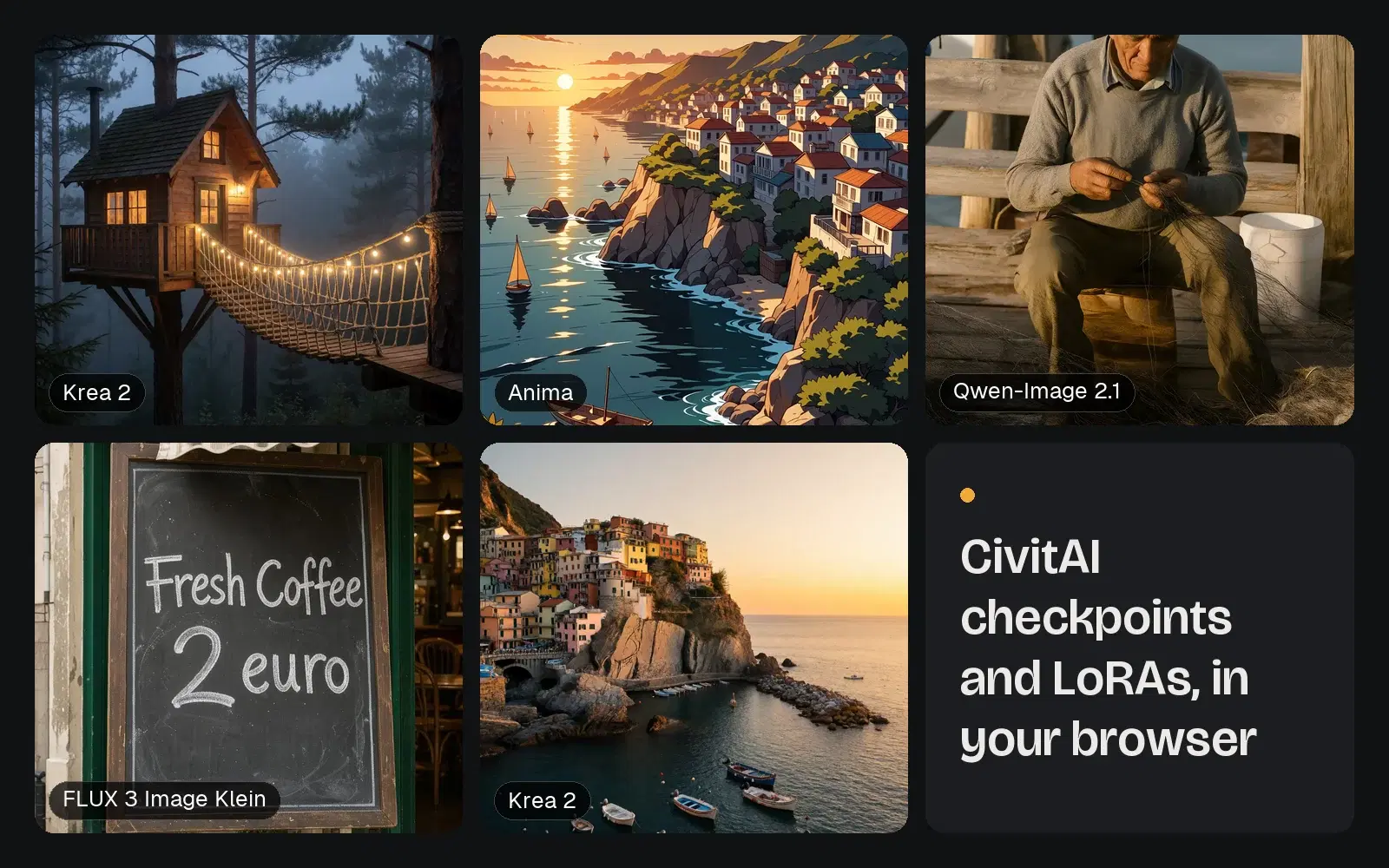
GenVista runs CivitAI models on its own GPUs, so the checkpoints and LoRAs you find on CivitAI work in any browser: no graphics card, no install and no ComfyUI. Pick a model, add LoRAs, describe the picture and press Generate. It’s part of GenVista’s Beta at genvista.com, which you can join on the Free plan, with no card.
What’s free
On the Free plan you can make 10 pictures every 5 hours, up to 50 a week, with:
- Four built-in models, always: Krea 2, Anima, Qwen-Image 2.1 and FLUX 3 Image Klein.
- The CivitAI checkpoints our GPUs already hold. The studio marks them “Hot”. On 12 November 2026 there were about 50, among them RedCraft 3.0, WAI-Illustrious, Nova Anime XL, PerfectDeliberate and Stable Yogi’s Realism and Muse for Krea 2.
- Up to 2 LoRAs on each picture.
Pictures made on Free carry a visible “AI Generated with GenVista” label.
What Pro adds
Pro runs any CivitAI checkpoint on the five families below, held by our GPUs or not, with up to 10 LoRAs, and its pictures carry no visible label. It’s the way to run a model like One Obsession, which our GPUs didn’t hold on 12 November: a model’s first picture takes longer while it loads. New members can try Pro for 7 days for $1, then $25 a month unless they cancel.
The model families that run
| Family | Good at | For example |
|---|---|---|
| Krea 2 | Photo-real pictures | Krea 2 Turbo; Stable Yogi’s Realism and Muse |
| Qwen-Image 2.1 | Realistic pictures | Qwen-Image 2.1; RedCraft 3.0 |
| FLUX 3 Image Klein | Words written into the picture | FLUX 3 Image Klein |
| Illustrious | Anime and illustration | WAI-Illustrious; Nova Anime XL; PerfectDeliberate |
| Anima | Anime | Anima; One Obsession; AnimaIka |
Checkpoints on other families, like SDXL or Pony, don’t run. For video, Animate a photo takes CivitAI LoRAs made for MiniMax H3, so a LoRA’s look carries into a clip with sound. And for MiniMax-H3-Image itself, you don’t need the Beta: GenVista’s Create a realistic image and Create a cartoon image run it on every plan, Free included.
How to start
- Open genvista.com and sign in with your email. There’s no card to add.
- In Settings, turn on Beta tester access and accept the Beta Tester terms. The Beta is for people 18 and over.
- Open Use custom models from CivitAI in the studio. Browse or search CivitAI’s checkpoints, or let GenVista suggest one for your words.
- Add LoRAs, up to 2 on Free and 10 on Pro, describe the picture and press Generate. The settings are there when you want them, and GenVista picks good ones when you don’t.
The Beta isn’t offered in the EU, the EEA, Switzerland, the UK or Australia: from there, genvista.com takes you to GenVista without it.
Questions
Do I need a GPU or ComfyUI?
No. Every picture renders on our GPUs, with a workflow tuned for each family. You pick, describe and press Generate.
Can I use any model from CivitAI?
Any checkpoint on Illustrious, Anima, Krea 2, Qwen-Image 2.1 and FLUX 3 Image Klein, and their LoRAs: Free runs the built-in models and the ones our GPUs hold, and Pro runs all of them.
What happens to my pictures?
They stay in your private gallery for 48 hours, then they’re deleted. Download the ones you want to keep.
Is GenVista part of Civitai?
No. GenVista is made by Neuramare and isn’t affiliated with or endorsed by Civitai. Each model belongs to its creator, and its license on CivitAI applies to what you make with it.
Run your first CivitAI model free on genvista.com, or read about GenVista’s other new tools: music videos with Dafumi 1 and Characify.