Announcement
Dafumi 1: Star in Your Own AI Music Video
GenVista’s music video model writes the song, sings it and films you, from one sentence and a selfie
Dafumi 1 is the music video model we built for GenVista. Write one sentence about the song you want, take a selfie, and about ten minutes later you have a finished music video: an original song with lyrics and vocals, and you as the singer, filmed on the beat and lip-synced to the voice. It runs at genvista.green, in any browser, and the Free plan includes it.
The video above, Sunday Stillness, was made with Dafumi 1. Its singer is a woman made by AI, not a real person. In yours, the singer is you.
How to make an AI music video
- Say what the song is about. One sentence, in any language: “a birthday song for my sister”, “a breakup anthem, 80s synth-pop”, “a country song about my dog”. Dafumi 1 writes the lyrics and the melody, then sings them in your sentence’s language, or in another one you pick.
- Take a selfie. One photo of your face, taken in the browser, is enough for Dafumi 1 to make you the singer of every shot. From the Starter plan up, a photo you upload works too.
- Get the video. It’s cut on the beat and finished in 1080p, in the shape you pick: 9:16 for TikTok, Reels and Shorts, 16:9 for YouTube, or 4:5. You get an email when it’s ready.
Already have a song?
Upload a song of your own instead of having one written, and Dafumi 1 films you singing it. It picks the chorus, or starts where you choose, and your sentence still sets the look of the video: the places, the light, the story.
What’s free, and what Pro adds
The Free plan makes one music video a week, with no card. It’s a 15-second preview cut from the chorus of a 45-second song, and it carries a visible “AI preview” label.
New members can try Pro for 7 days for $1, then $25 a month unless they cancel. The trial finishes your free preview as the complete 45-second song, and every new video on Pro is a whole song too. Max makes music videos up to 90 seconds and Ultra up to 2 minutes. Every plan gets the same picture quality: they differ in length, how many videos you can make and the label. All the prices are on genvista.green/pricing.
Marked as AI, and private
- Every music video carries Content Credentials: a signed label inside the file that says it was made with AI. On Free, Starter and Pro, the video shows a visible label too.
- The selfie must be you, or someone 18 or older who agreed to be in the video. GenVista is for adults only.
- Your selfie is used for that video only and deleted once it’s made. The video stays in your private gallery for 48 hours: download the ones you want to keep.
Questions
Is Dafumi 1 free?
Yes, to start: one music video a week on the Free plan, a 15-second preview with a label. Longer videos come with Pro, which new members can try for 7 days for $1.
How long does it take?
About ten minutes from your sentence to the finished video.
Can it sing in my language?
Yes. Write the sentence in your language and the song follows it, or pick another: a sentence in Italian can become a song in Spanish.
Is it in the GenVista Pictures app?
Not yet. Dafumi 1 is on the web today, in any browser on a phone, tablet or computer, and it’s coming to the apps soon.
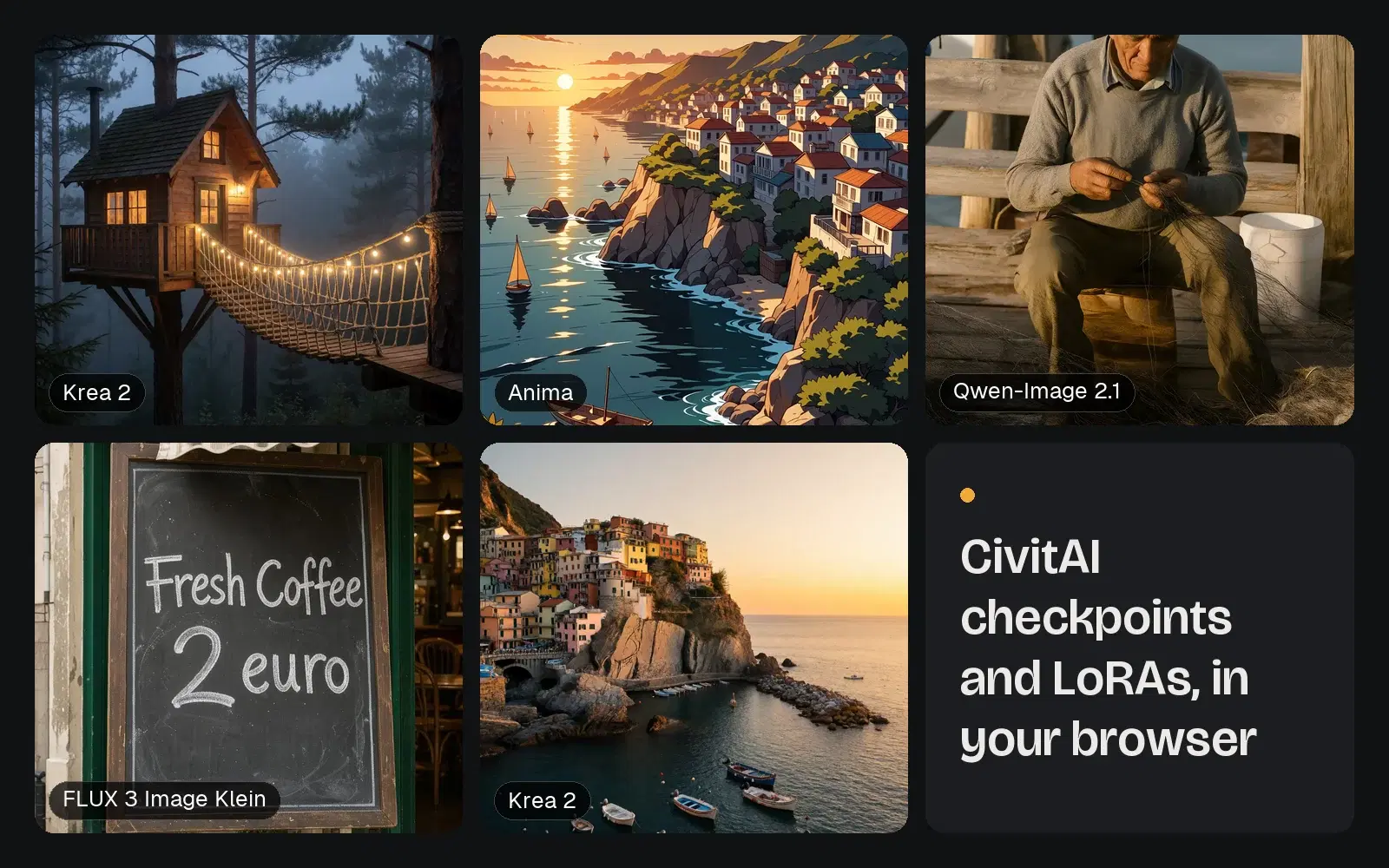
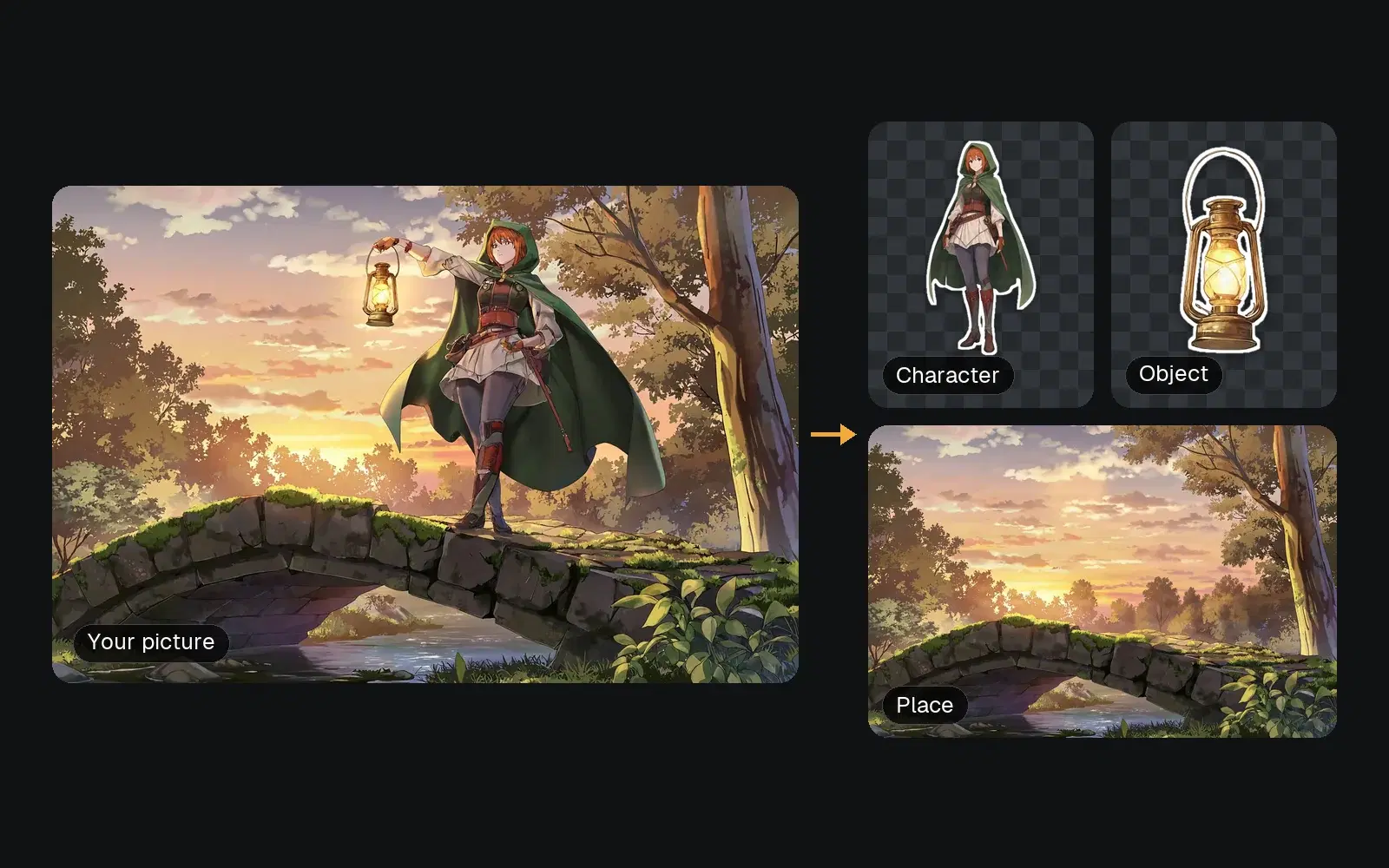
Make your music video free on genvista.green, or read more about GenVista and its other tools, like CivitAI models and Characify.