Announcement
Characify: Take a Character Out of Any Picture
A new GenVista tool splits one picture into the character, an object and the place
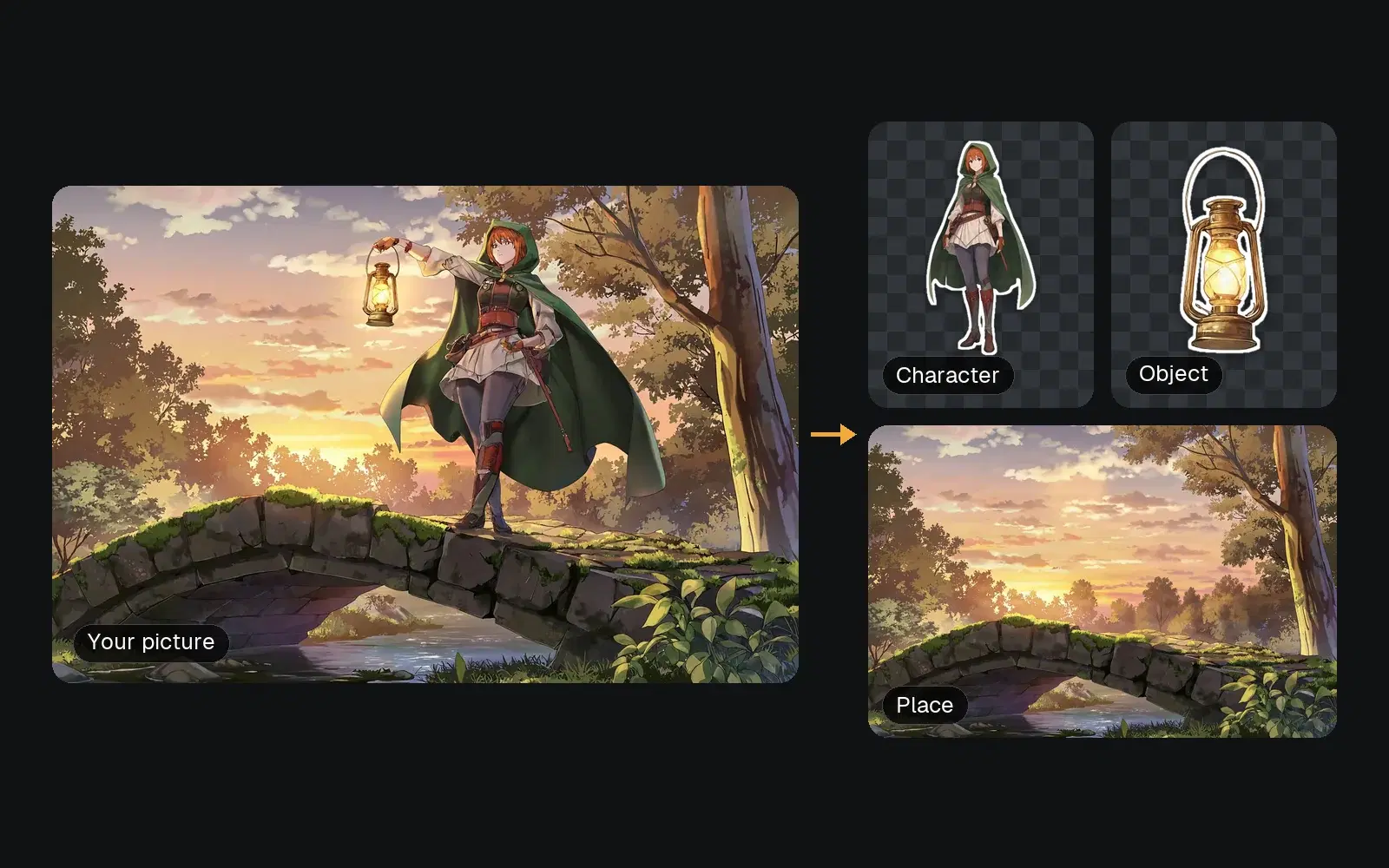
Characify is the newest tool in GenVista. Give it one picture, a drawing, a render or a photo, and it hands back three files: the main character on a transparent background, one object on its own, and the place with both of them taken out. It takes about half a minute, and it’s on every plan, Free included.
Characify used to be the name of an earlier app of ours. It’s now this tool, with a new job.
What you get
- The character. Characify draws the main person or creature again from your picture, whole and head to toe, keeping the face, hair and clothes as close as it can, and sets it on a transparent background. It’s a new AI picture, so small details can differ.
- An object. One thing from the picture, like the lantern in the example above, on its own. If part of it is hidden, it comes back whole: what the picture hides is drawn to match the rest.
- The place. The scene with the character and the object taken out and the gap filled in, ready to use as a background.
The character and the object come as PNG files on transparency, and the place as a PNG.
How it works
- Open Characify in the GenVista studio and upload a picture.
- Confirm that the people in it are you, agreed to it, or aren’t real. Characify only works on pictures with that box ticked.
- Characify picks the character, an object and the place, and makes each one. Download the three files.
What it’s for
- Characters for your own stories, comics and videos.
- Stickers, avatars and thumbnails, already cut out.
- Backgrounds with no one in them, taken from a picture you like.
- Game and film stills taken apart, piece by piece.
On every plan
On Free, a Characify job counts as one of your 10 pictures every 5 hours, and what it makes carries Free’s visible label; paid plans carry none. If a picture has nothing Characify can take out, nothing is made and the count comes back. New members can try Pro for 7 days for $1, then $25 a month unless they cancel.
Questions
Does it work on photos?
Yes, on photos, drawings and renders. For a photo of people, the box you tick says they’re you or agreed to it.
Is the character exactly the one in my picture?
Close, not identical: Characify draws it anew, keeping the face, hair and clothes as close as it can, so a small detail can change.
How long are the files kept?
Like everything made on GenVista, 48 hours in your private gallery. Download the ones you want to keep.
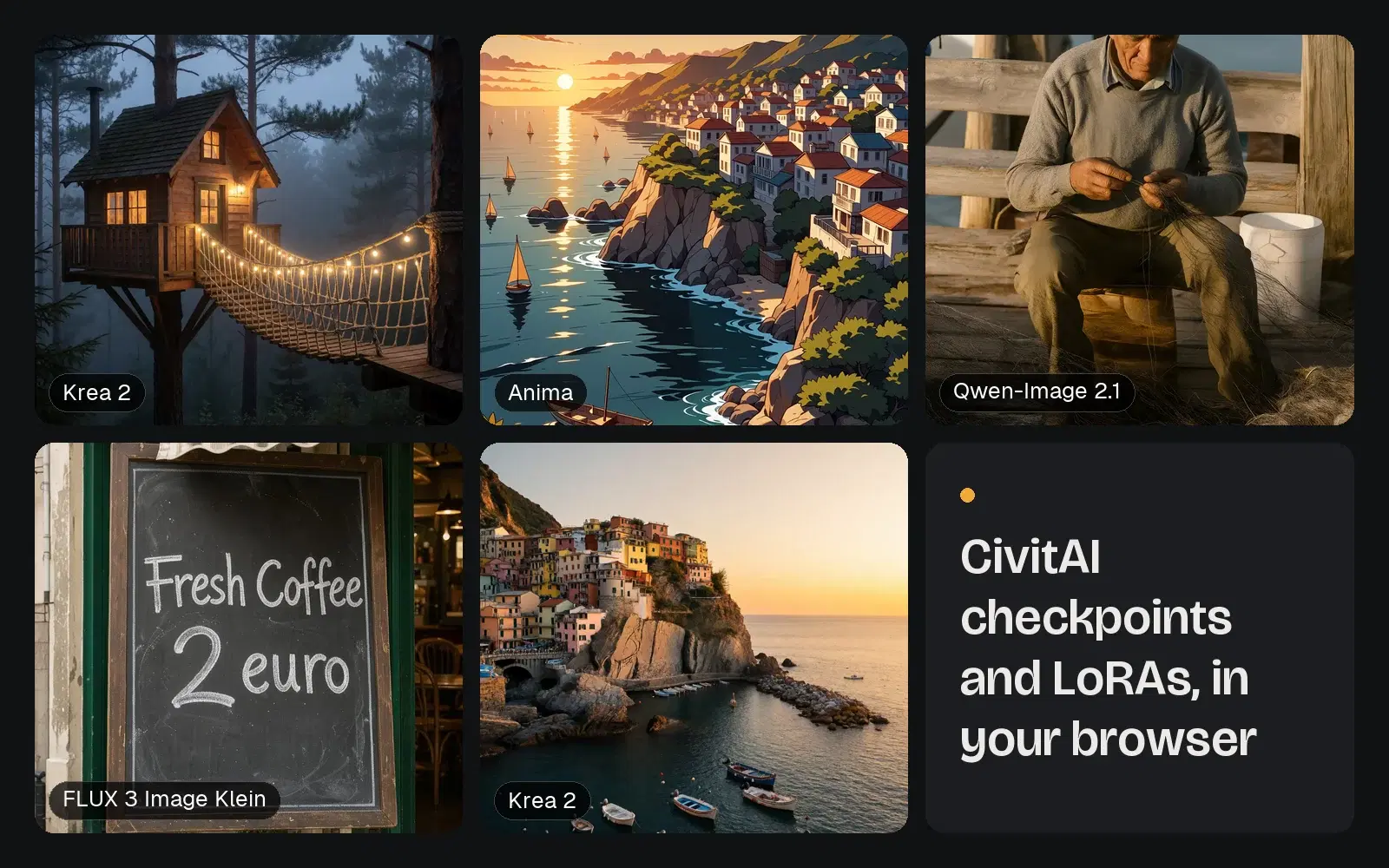
Try Characify free on genvista.green, or see what else GenVista makes, from music videos with Dafumi 1 to CivitAI models in your browser.