Announcement
Animate a Photo Now Tells a Story
GenVista’s Story mode turns one photo into a short film with sound, cut fast, in your photo’s place
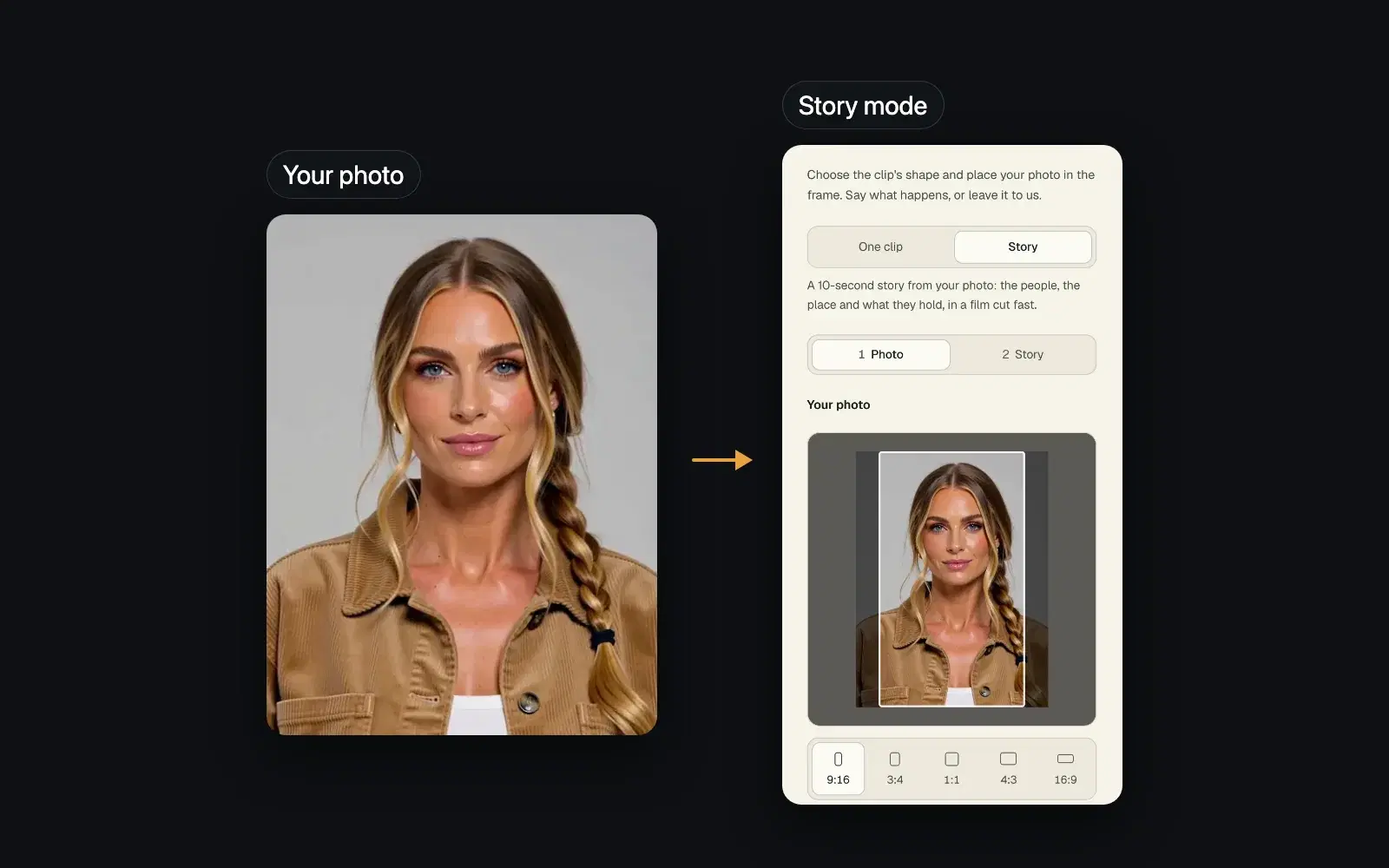
Animate a photo, the GenVista tool that brings a photo to life as a clip with sound, has a second mode: Story. Instead of one unbroken take, it makes a short film from your photo, cut fast, with the people in it, the place and what they hold. It opened to everyone on 16 November, on every plan, Free included.
How it works
- Open Animate a photo in the GenVista studio and switch from One clip to Story.
- Choose your photo, pick its shape, from 9:16 to 16:9, and place it in the frame.
- Say what should happen, or leave the box empty: GenVista then writes the story from your photo.
- Confirm that the people in the photo are you, agreed to it, or aren’t real, and make the story. It comes with sound, in your photo’s place.
How long, and how fast
A story runs 5 seconds on Free and Starter, 10 on Pro, 15 on Max and 30 on Ultra. Each shot lasts 2 to 4 seconds: a 5-second story has 2 of them, a 10-second one 3 or 4. When GenVista isn’t busy, a story is ready in about 5 minutes for 5 seconds, 7 for 10, 8 for 15 and 14 for 30.
On every plan
On Free, a story counts as one of your clips: 1 every 5 hours and 3 a week. On the paid plans it uses part of your limits, and the tool shows how much before you start. What it makes carries your plan’s visible label: “AI Generated for free on genvista.green” on Free and during a trial, the small “AI genvista.green” on Starter and Pro, and none on Max and Ultra unless you add it. New members can try Pro for 7 days for $1, then $25 a month unless they cancel.
Questions
How is a story different from One clip?
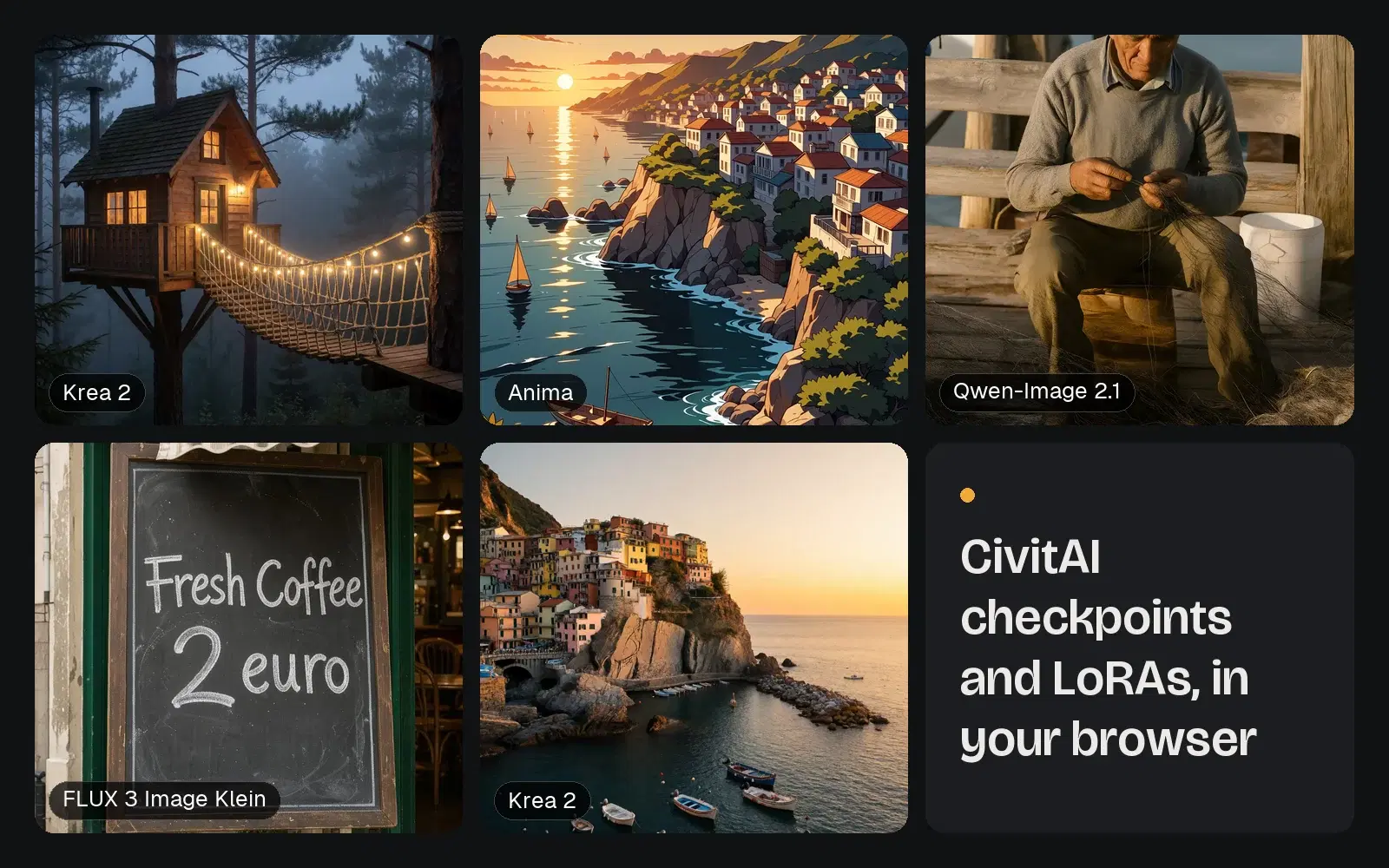
One clip is a single take that starts from your photo, up to 5 seconds on Free and Starter, 10 on Pro and 15 on Max and Ultra, and it takes add-ons such as CivitAI LoRAs. A story is a film of several short shots, written from your photo or your words, with no add-ons.
Who can be in it?
The people in your photo, up to two of them, and one thing they hold. A story stays in the place your photo shows and adds no one new.
How long is it kept?
Like everything made on GenVista, 48 hours in your private gallery. Download the ones you want to keep.
Animate a photo free on genvista.green, or read what’s new in Dafumi 1, GenVista’s music video model.