
GenVistaAI image and video studio for the web, iPhone and Android
Run tens of thousands of community models, turn photos into short clips with sound, change outfits and edit images — in the browser, or on the go with the GenVista Pictures app.
GenVista Pictures for iPhone, iPad, Mac and Android


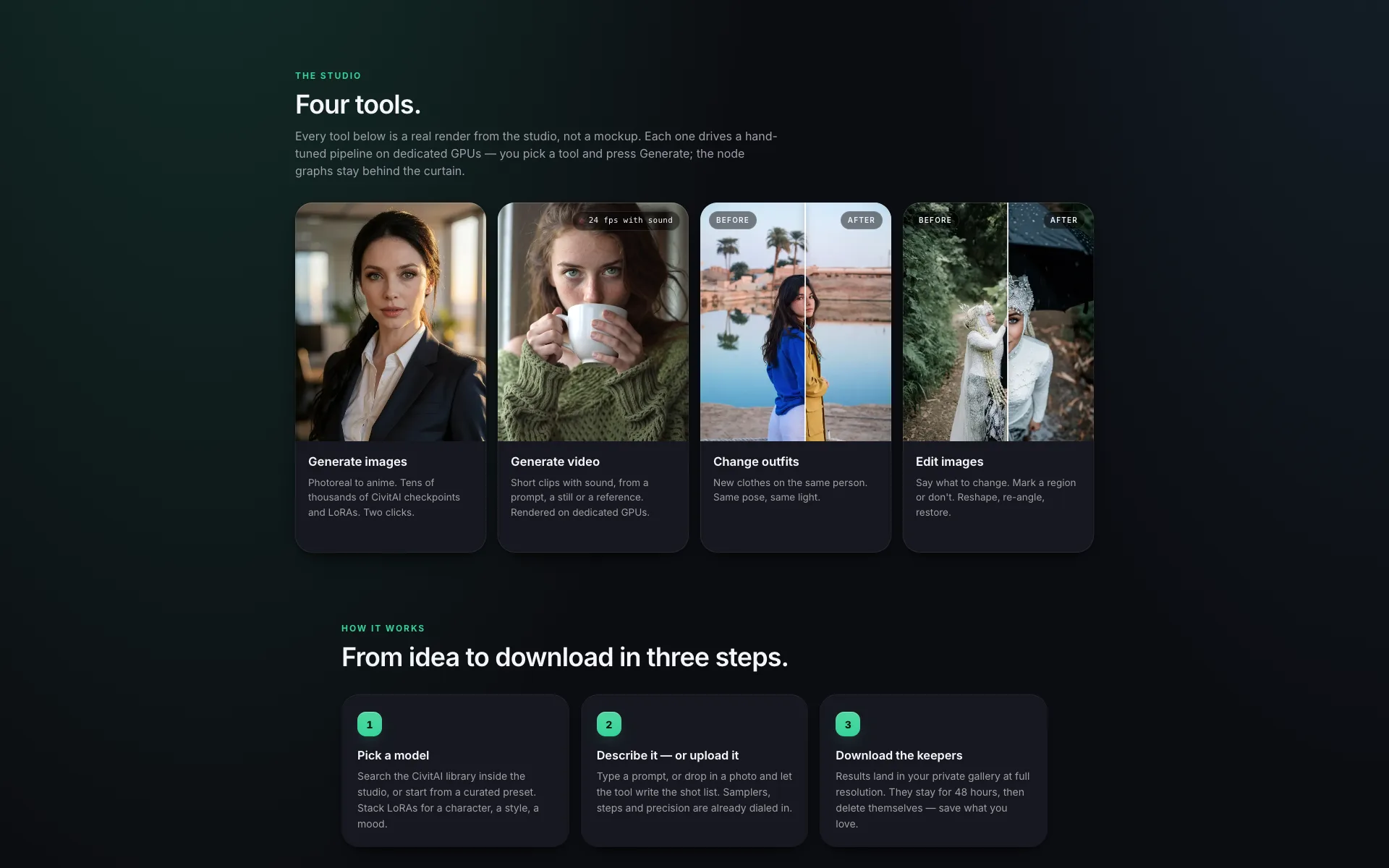
Fig. 1 — GenVista on the web, genvista.green
- Generate images with tens of thousands of CivitAI checkpoints and LoRAs.
- Generate short videos with sound from a prompt, a still image or a reference.
- Change outfits and edit images: the same person, the same pose and light.
What you can do
On the web
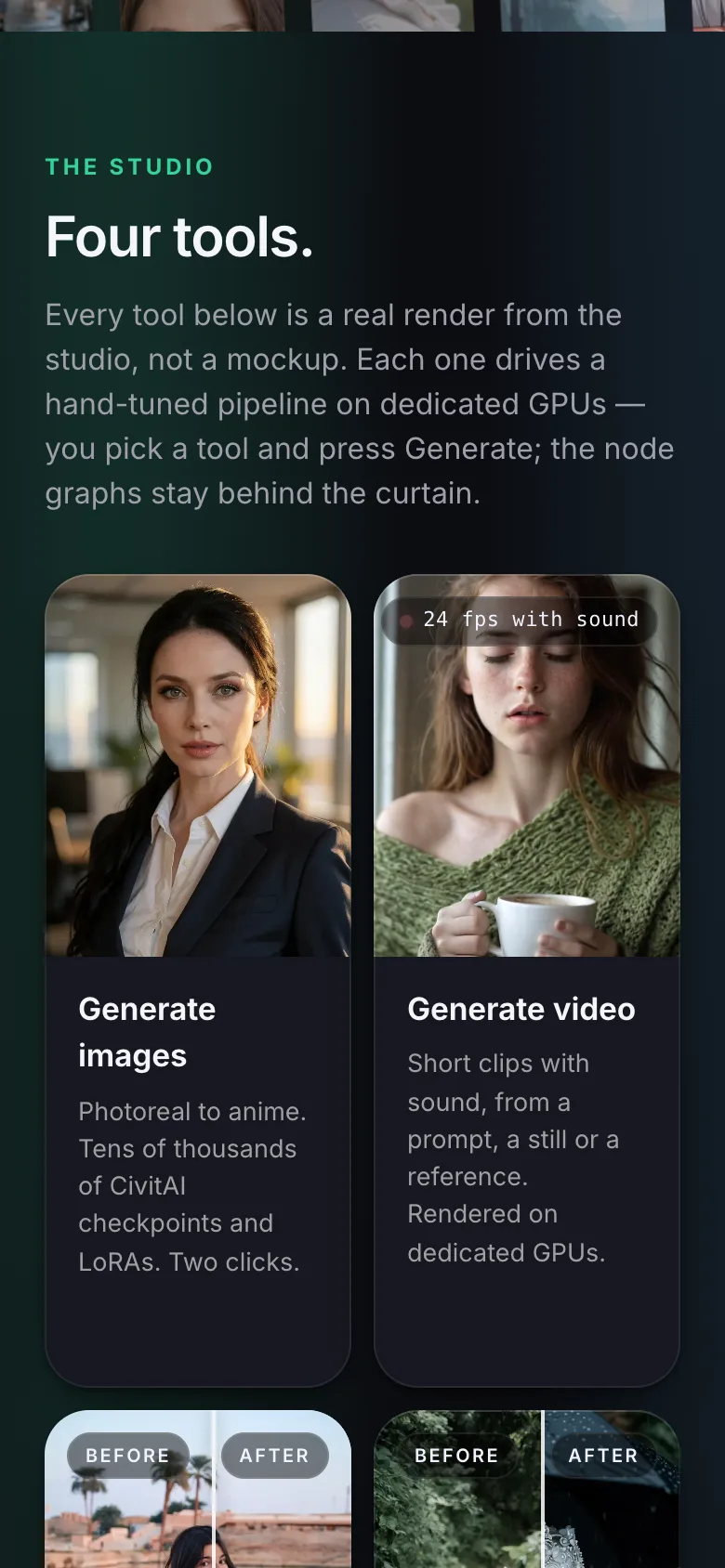
Four tools in one browser studio.
- Generate images
- Photoreal to anime. Tens of thousands of CivitAI checkpoints and LoRAs — SDXL, Pony, Illustrious, Flux-family models and more — stacked the way you like.
- Generate video
- Short clips with sound, from a prompt, a still image or a reference, rendered on dedicated GPUs.
- Change outfits
- New clothes on the same person. Same pose, same light.
- Edit images
- Say what to change. Mark a region or don’t. Reshape, re-angle, restore.
In the GenVista Pictures app
AI for all your image needs, on iPhone, iPad, Mac and Android.
- Generate realistic and fantasy images from a prompt
- Remove or replace people, objects and backgrounds
- Try new outfits and hairstyles
- Expand the frame and upscale the result
- Sizes ready for Instagram, YouTube and other social posts
Release history
GenVista launches on the web
genvista.green brings AI image and video generation to the browser.
GenVista Studio goes live
A hub for exploring and running community checkpoints and LoRAs.
GenVista Motion is released
AI animation arrives in the app: still images become short motion clips.
GenVista Pictures launches on the App Store and Google Play
Our first published app: generate, edit, expand and upscale images with AI.
Frequently asked questions
Which AI models can I use?
On the web you can run tens of thousands of community checkpoints and LoRAs from CivitAI — including SDXL, Pony, Illustrious and Flux-family models — and stack several LoRAs in one generation.
Can GenVista make videos?
Yes. GenVista on the web turns a prompt, a still image or a reference into a short clip with sound. The app gained AI animation with GenVista Motion in April 2024.
What happens to the images I make?
On the web, results land in your private gallery at full resolution and delete themselves after 48 hours, so download the ones you want to keep.
Who is GenVista for?
Adults. GenVista Pictures is rated 18+ on the App Store and Mature 17+ on Google Play, and our Terms of Service require users to be at least 18.
How do I get help?
For GenVista on the web, write to support@genvista.green. For the iPhone, iPad and Android apps, write to support@neuramare.com.